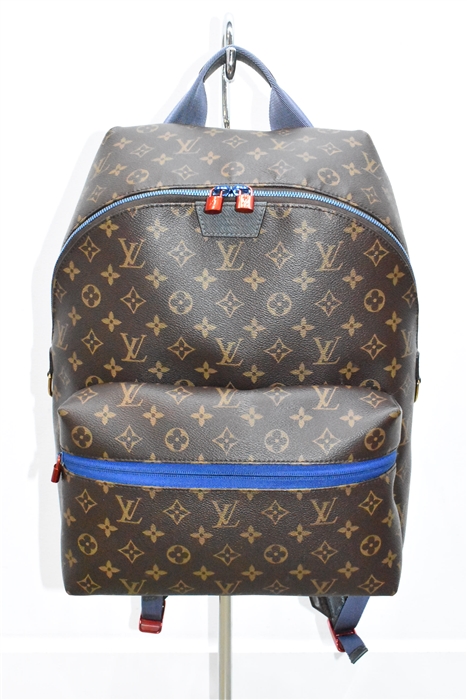
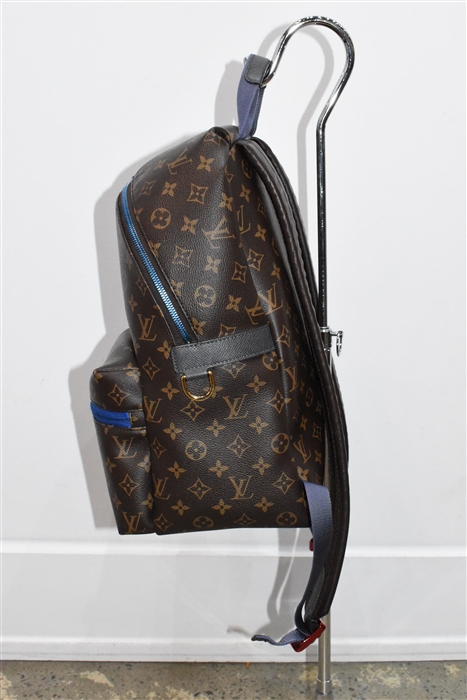
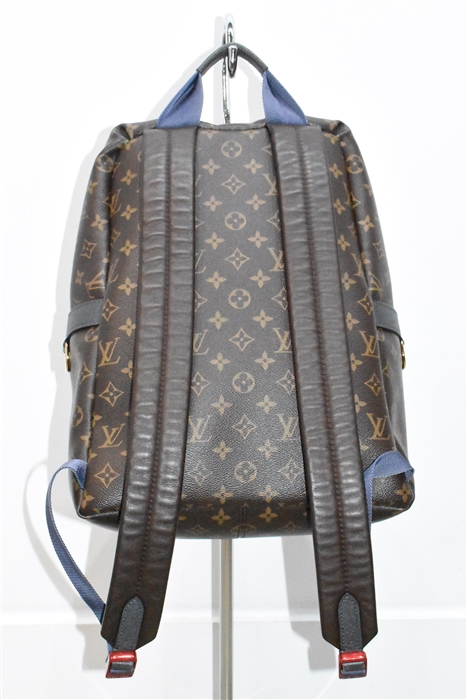
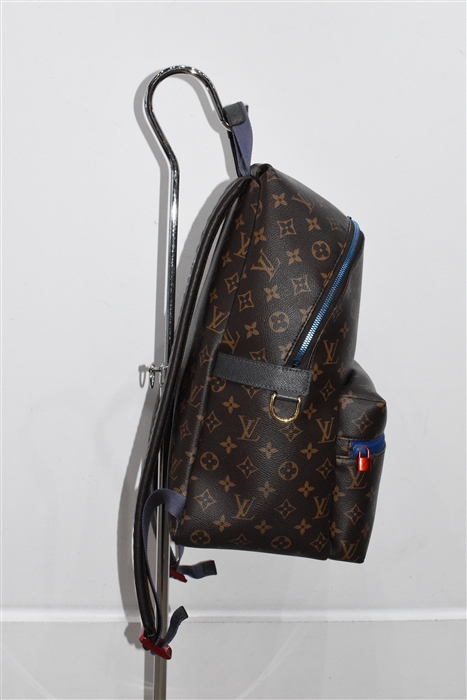
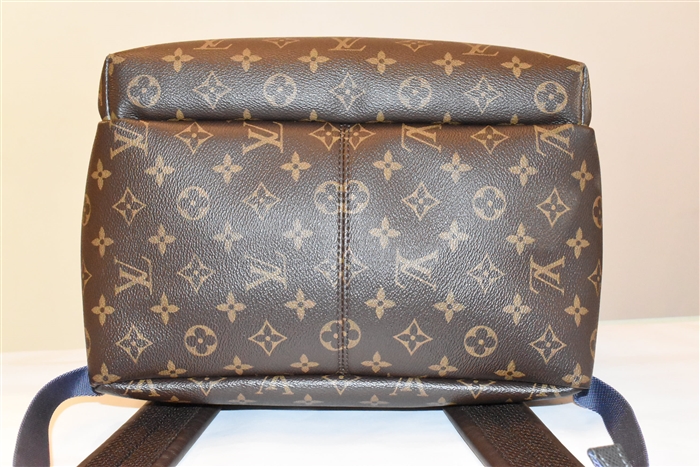
Monogram Louis Vuitton Backpack, size L

Louis Vuitton

  • Backpack
  • Size: L
$2,500.00  $1,750.00

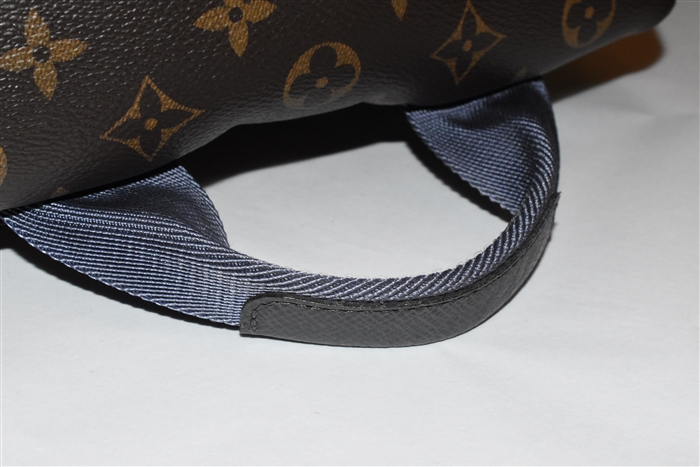
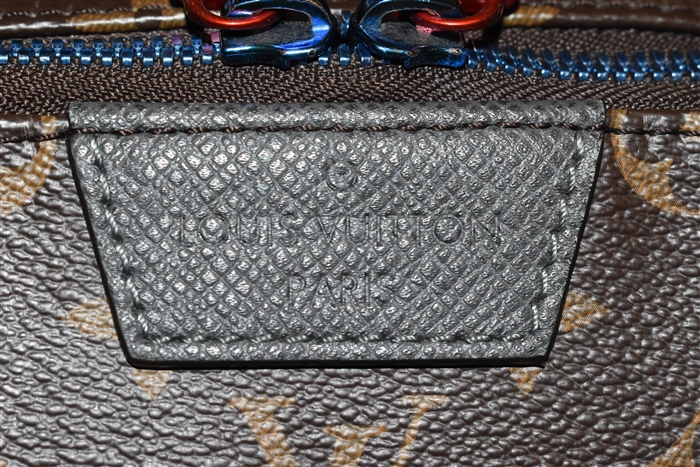
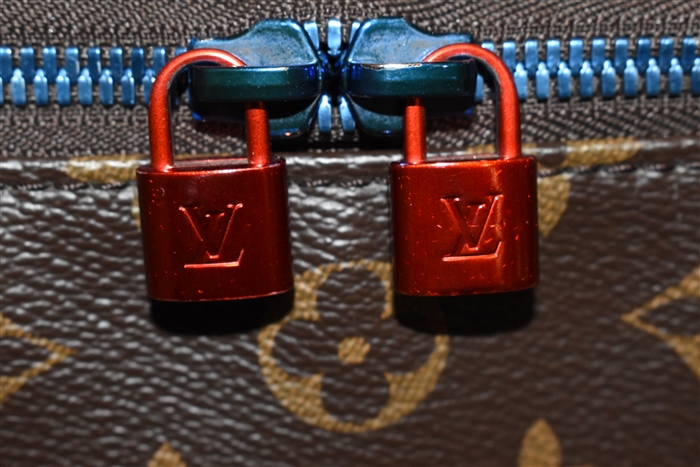
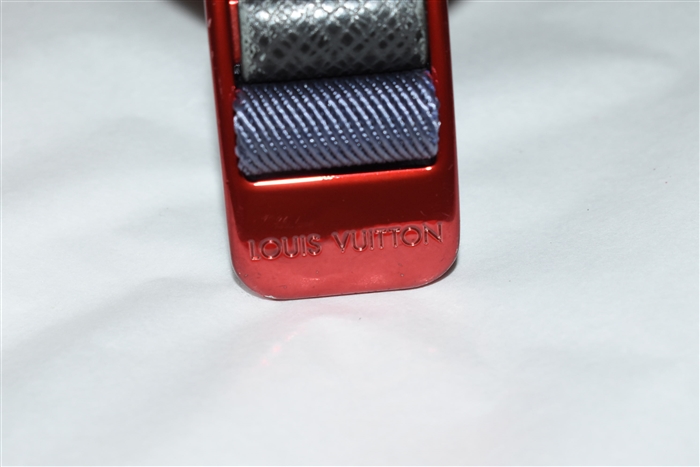
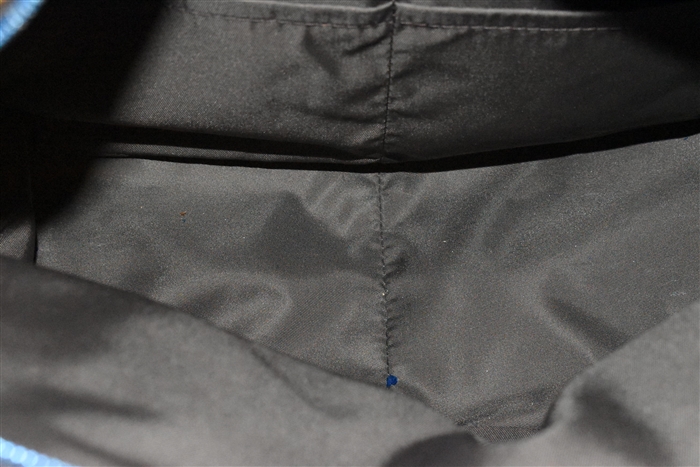
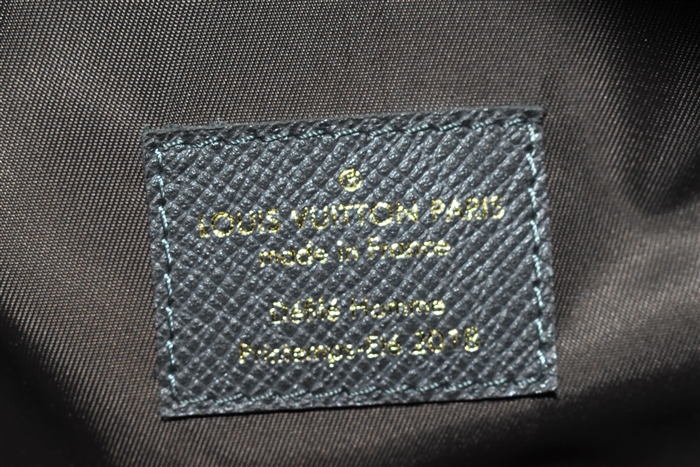
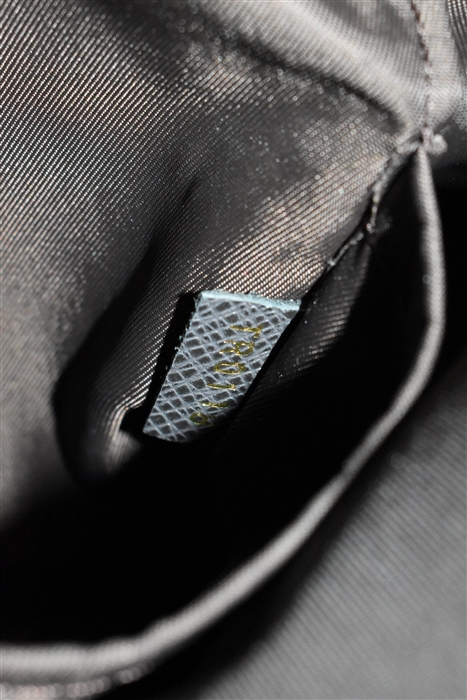
Brown monogram canvas limited edition 2018 Apollo backpack from Louis Vuitton. Two adjustable padded mesh-back leather back straps. Dusty blue flat-braid top handle. Exterior front zippered pouch pocket. Main compartment with double zipper closure. Brown technical canvas lining. Interior slip pocket. Mixed metallic blue, red, and gold tone metal hardware.

Details:

  • Colour: Monogram
  • Condition: A- "Pristine"
  • Item Code: 136149
  • Length: 11.5 in (29.2 cm)
  • Height: 14.5 in (36.8 cm)
  • Width: 7.0 in (17.8 cm)
  • Handle Drop: 2.3 in (5.7 cm)
  • Dust Bag: No
  • Composition: Textile, Leather
  • Origin: France
  • Notes on Condition:
    Branded rubber coating removed from zippered pouch pocket.
Follow Garb on Instagram Follow Garb on Twitter
if (window.history.pushState) { const SCROLL_RESTORATION_TIMEOUT_MS = 3000; const TRY_TO_SCROLL_INTERVAL_MS = 50; const originalPushState = window.history.pushState; const originalReplaceState = window.history.replaceState; // Store current scroll position in current state when navigating away. window.history.pushState = function() { const newStateOfCurrentPage = Object.assign({}, window.history.state, { __scrollX: window.scrollX, __scrollY: window.scrollY, }); originalReplaceState.call(window.history, newStateOfCurrentPage, ''); originalPushState.apply(window.history, arguments); }; // Make sure we don't throw away scroll position when calling "replaceState". window.history.replaceState = function(state, ...otherArgs) { const newState = Object.assign({}, { __scrollX: window.history.state && window.history.state.__scrollX, __scrollY: window.history.state && window.history.state.__scrollY, }, state); originalReplaceState.apply(window.history, [newState].concat(otherArgs)); }; let timeoutHandle = null; let scrollBarWidth = null; // Try to scroll to the scrollTarget, but only if we can actually scroll // there. Otherwise keep trying until we time out, then scroll as far as // we can. const tryToScrollTo = (scrollTarget) => { // Stop any previous calls to "tryToScrollTo". clearTimeout(timeoutHandle); const body = document.body; const html = document.documentElement; if (!scrollBarWidth) { scrollBarWidth = getScrollbarWidth(); } // From http://stackoverflow.com/a/1147768 const documentWidth = Math.max(body.scrollWidth, body.offsetWidth, html.clientWidth, html.scrollWidth, html.offsetWidth); const documentHeight = Math.max(body.scrollHeight, body.offsetHeight, html.clientHeight, html.scrollHeight, html.offsetHeight); if (documentWidth + scrollBarWidth - window.innerWidth >= scrollTarget.x && documentHeight + scrollBarWidth - window.innerHeight >= scrollTarget.y || Date.now() > scrollTarget.latestTimeToTry) { window.scrollTo(scrollTarget.x, scrollTarget.y); } else { timeoutHandle = setTimeout(() => tryToScrollTo(scrollTarget), TRY_TO_SCROLL_INTERVAL_MS); } }; // Try scrolling to the previous scroll position on popstate const onPopState = () => { const state = window.history.state; if (state && Number.isFinite(state.__scrollX) && Number.isFinite(state.__scrollY)) { setTimeout(() => tryToScrollTo({ x: state.__scrollX, y: state.__scrollY, latestTimeToTry: Date.now() + SCROLL_RESTORATION_TIMEOUT_MS, })); } }; // Calculating width of browser's scrollbar function getScrollbarWidth() { let outer = document.createElement("div"); outer.style.visibility = "hidden"; outer.style.width = "100px"; outer.style.msOverflowStyle = "scrollbar"; document.body.appendChild(outer); let widthNoScroll = outer.offsetWidth; // force scrollbars outer.style.overflow = "scroll"; // add innerdiv let inner = document.createElement("div"); inner.style.width = "100%"; outer.appendChild(inner); let widthWithScroll = inner.offsetWidth; // remove divs outer.parentNode.removeChild(outer); return widthNoScroll - widthWithScroll; } window.addEventListener('popstate', onPopState, true); }