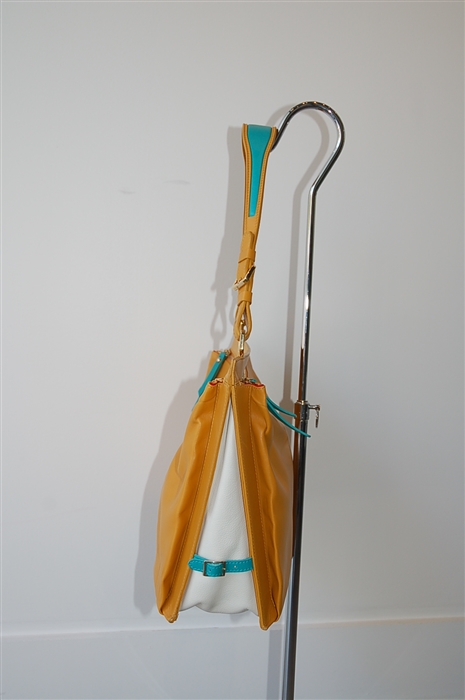
Golden Tan Christian Louboutin Shoulder Bag, size L

Christian Louboutin

  • Shoulder Bag
  • Size: L
Sold

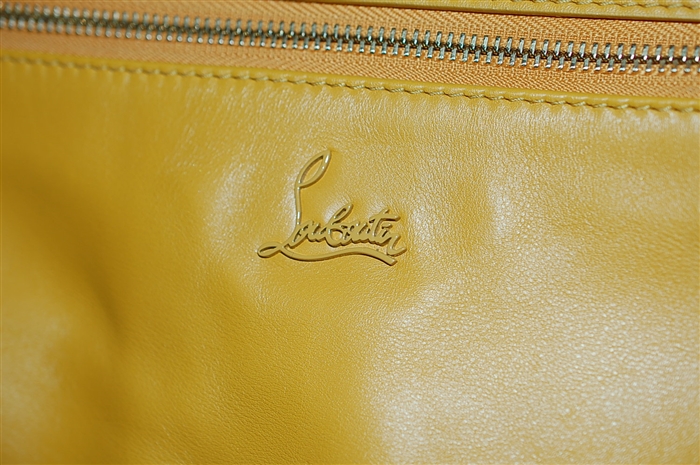
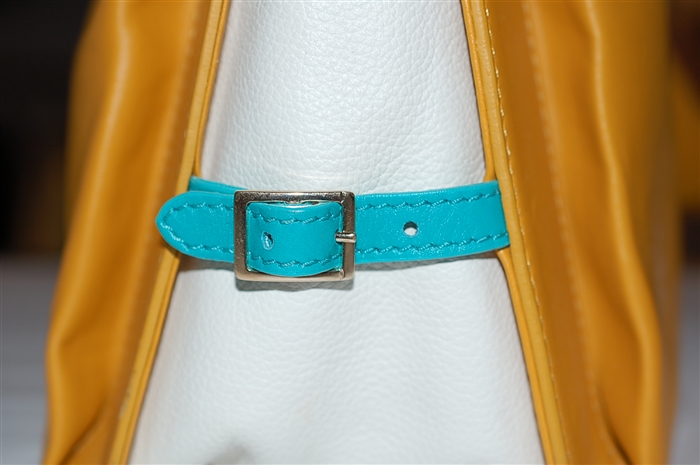
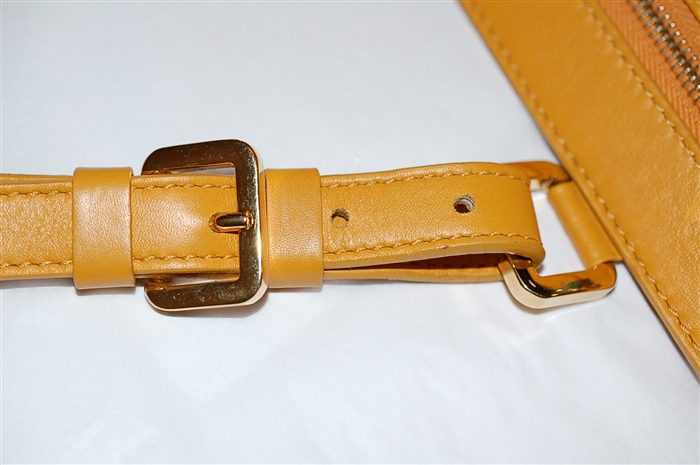
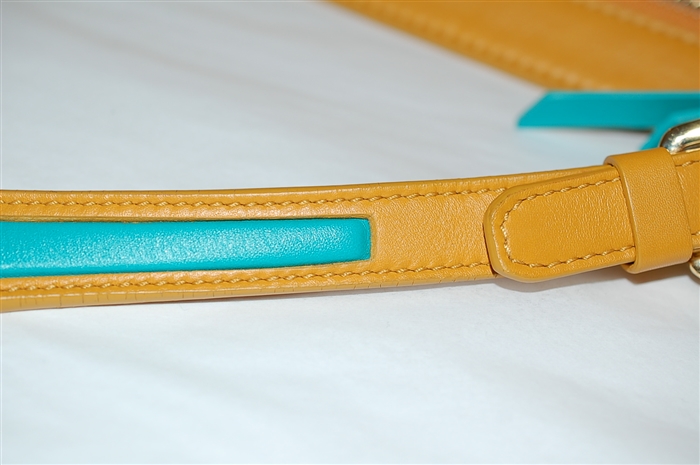
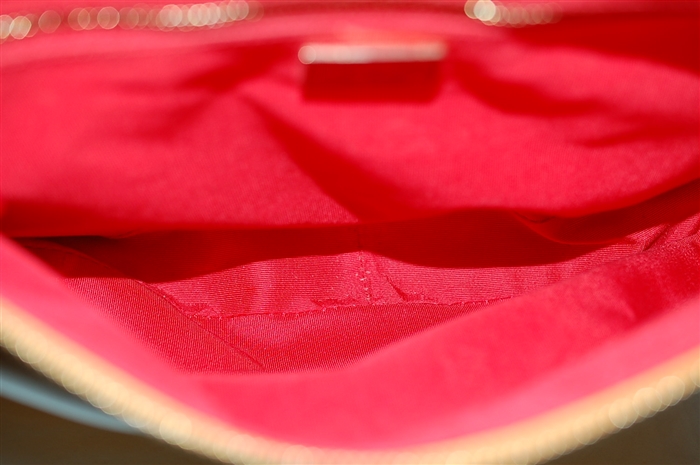
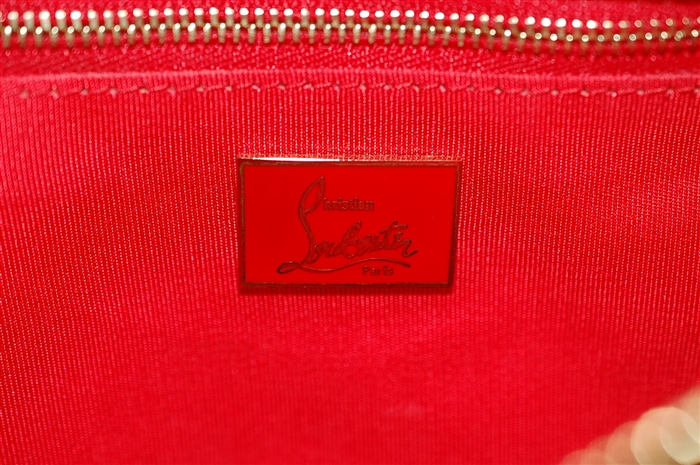
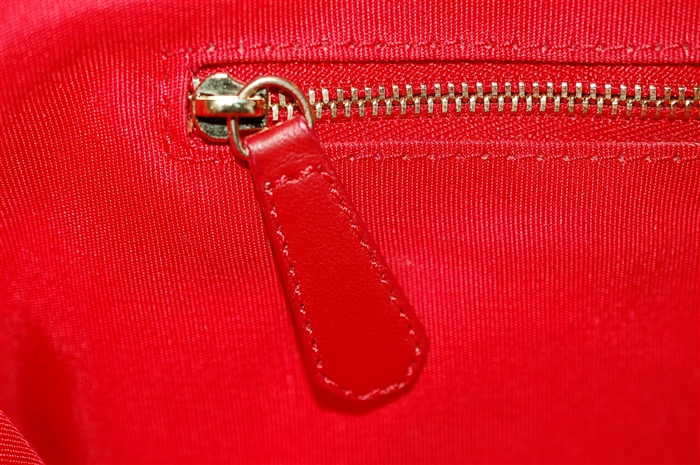
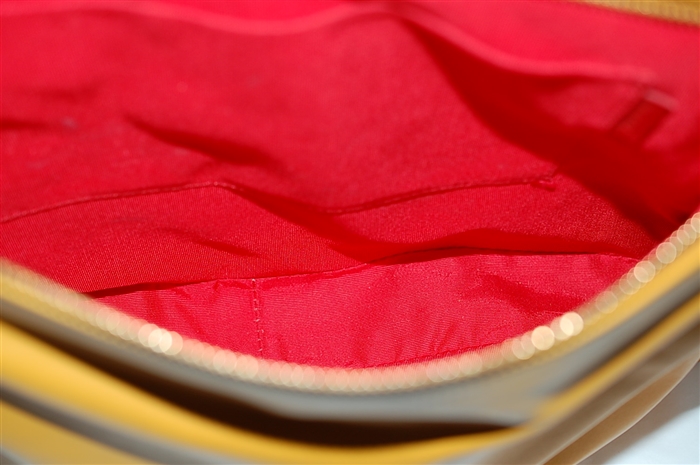
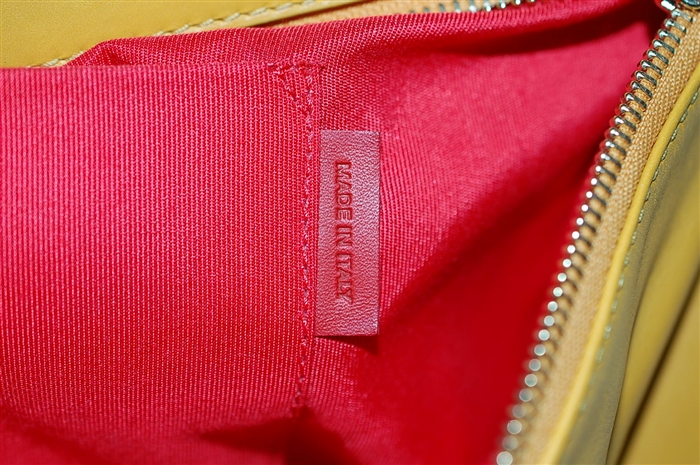
Christian Louboutin Rachel Boston shoulder bag in golden tan leather. Single adjustable shoulder strap. Large zippered pouch pocket on either side with slip pocket in the interior on one side, and zippered pocket in the interior of the other. Signature red lining. Louboutin nameplate in tonal golden tan at front of bag. Buckled sides with white leather insert. Teal leather accents found in zipper pulls, side straps, and shoulder strap insert.Purse stands upright with four metal feet. Gold metal hardware throughout.

Details:

  • Colour: Golden Tan
  • Condition: A+ "Flawless"
  • Item Code: 102102
Follow Garb on Instagram Follow Garb on Twitter
if (window.history.pushState) { const SCROLL_RESTORATION_TIMEOUT_MS = 3000; const TRY_TO_SCROLL_INTERVAL_MS = 50; const originalPushState = window.history.pushState; const originalReplaceState = window.history.replaceState; // Store current scroll position in current state when navigating away. window.history.pushState = function() { const newStateOfCurrentPage = Object.assign({}, window.history.state, { __scrollX: window.scrollX, __scrollY: window.scrollY, }); originalReplaceState.call(window.history, newStateOfCurrentPage, ''); originalPushState.apply(window.history, arguments); }; // Make sure we don't throw away scroll position when calling "replaceState". window.history.replaceState = function(state, ...otherArgs) { const newState = Object.assign({}, { __scrollX: window.history.state && window.history.state.__scrollX, __scrollY: window.history.state && window.history.state.__scrollY, }, state); originalReplaceState.apply(window.history, [newState].concat(otherArgs)); }; let timeoutHandle = null; let scrollBarWidth = null; // Try to scroll to the scrollTarget, but only if we can actually scroll // there. Otherwise keep trying until we time out, then scroll as far as // we can. const tryToScrollTo = (scrollTarget) => { // Stop any previous calls to "tryToScrollTo". clearTimeout(timeoutHandle); const body = document.body; const html = document.documentElement; if (!scrollBarWidth) { scrollBarWidth = getScrollbarWidth(); } // From http://stackoverflow.com/a/1147768 const documentWidth = Math.max(body.scrollWidth, body.offsetWidth, html.clientWidth, html.scrollWidth, html.offsetWidth); const documentHeight = Math.max(body.scrollHeight, body.offsetHeight, html.clientHeight, html.scrollHeight, html.offsetHeight); if (documentWidth + scrollBarWidth - window.innerWidth >= scrollTarget.x && documentHeight + scrollBarWidth - window.innerHeight >= scrollTarget.y || Date.now() > scrollTarget.latestTimeToTry) { window.scrollTo(scrollTarget.x, scrollTarget.y); } else { timeoutHandle = setTimeout(() => tryToScrollTo(scrollTarget), TRY_TO_SCROLL_INTERVAL_MS); } }; // Try scrolling to the previous scroll position on popstate const onPopState = () => { const state = window.history.state; if (state && Number.isFinite(state.__scrollX) && Number.isFinite(state.__scrollY)) { setTimeout(() => tryToScrollTo({ x: state.__scrollX, y: state.__scrollY, latestTimeToTry: Date.now() + SCROLL_RESTORATION_TIMEOUT_MS, })); } }; // Calculating width of browser's scrollbar function getScrollbarWidth() { let outer = document.createElement("div"); outer.style.visibility = "hidden"; outer.style.width = "100px"; outer.style.msOverflowStyle = "scrollbar"; document.body.appendChild(outer); let widthNoScroll = outer.offsetWidth; // force scrollbars outer.style.overflow = "scroll"; // add innerdiv let inner = document.createElement("div"); inner.style.width = "100%"; outer.appendChild(inner); let widthWithScroll = inner.offsetWidth; // remove divs outer.parentNode.removeChild(outer); return widthNoScroll - widthWithScroll; } window.addEventListener('popstate', onPopState, true); }